Player Mode vs DM Mode: Which Should You Use?
By Arthur D Masters & Tia
One of the most powerful features of the Legend Roller is its role-based mode system. But with great power comes great choice-paralysis. Let's break down when and why you should use each mode.
The Two Paths
The Legend Roller offers two specialized modes designed for different roles at the gaming table:
Player Mode: Hero of the Realm
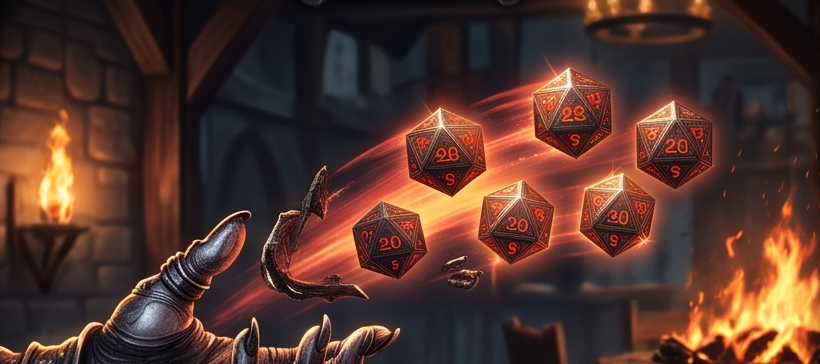
Player Mode transforms your device into the perfect companion for your adventuring character. With its bold red theme and heroic aesthetic, this mode is optimized for the fast-paced decisions players need to make during combat and exploration.
Visual Design:
- Bold red color scheme representing courage and action
- Streamlined interface for quick decisions
- Prominent display of character-specific rolls
- Easy access to your most-used macros
Ideal For:
- Running a single character
- Combat-focused gameplay
- Quick attack and damage rolls
- Skill checks and saving throws
- Spell attack rolls
Key Features:
- Character-specific quick rolls
- Attack and damage macro system
- Advantage/Disadvantage toggles
- Critical hit automation
- Simple modifier management
Dungeon Master Mode: Weaver of Fates
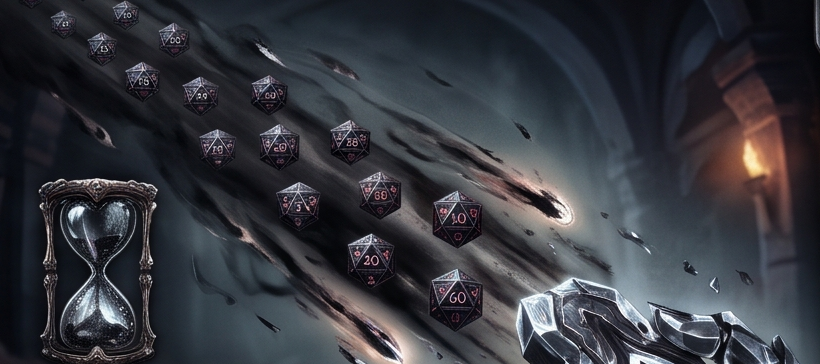
DM Mode embraces the mystical purple theme befitting the Weaver of Fates. This mode provides the advanced features needed to orchestrate complex encounters, manage multiple enemies, and adjudicate the countless rolls that come with running a game.
Visual Design:
- Regal purple color scheme embodying wisdom and power
- Expanded interface for managing complexity
- Multiple roll configurations
- Advanced modifier systems
Ideal For:
- Running the game as Dungeon Master
- Managing multiple NPCs/monsters
- Complex encounters with many combatants
- Simultaneous or sequential rolls
- Varied modifier applications
Key Features:
- Monster roll templates
- Multi-target rolling
- Batch roll capabilities
- Advanced modifier stacking
- Initiative tracking integration
- Flexible quick roll configurations
When to Use Each Mode
Use Player Mode When:
-
You're Playing a Character: The most obvious use case. Player Mode is optimized for running a single character through adventures.
-
You Need Speed: Combat is fast-paced. Player Mode's streamlined interface lets you make rolls quickly without navigating complex menus.
-
You Have a Consistent Character: The macro system shines when you're using the same character over multiple sessions.
-
You're in a Large Party: When the DM has enough to manage, players using their own dice roller speeds up gameplay significantly.
Use DM Mode When:
-
You're Running the Game: Obviously, if you're the DM, this mode gives you the tools you need.
-
You're Managing Multiple Entities: Running a combat with 5 goblins, 2 hobgoblins, and a bugbear boss? DM Mode handles it elegantly.
-
You Need Flexibility: DM Mode's advanced features let you handle unusual situations and custom mechanics.
-
You're Adjudicating Checks: When you need to make quick rolls for NPCs or environmental effects, DM Mode is ready.
The Hybrid Approach
Here's a pro tip: You don't have to stick to one mode for an entire session. Some DMs actually use both:
Scenario 1: The DMPC Running a DM-controlled party member? Use Player Mode for that character while switching to DM Mode for monsters and NPCs.
Scenario 2: The Solo Game Playing a solo adventure? Use DM Mode to manage enemies and environmental rolls, then switch to Player Mode for your character's actions.
Scenario 3: The Co-DM Setup Sharing DM duties? One person handles monsters (DM Mode) while another manages NPCs and environmental storytelling (Player Mode for simplicity).
General Dice Roller: The Third Option
Don't forget about the General Dice Roller mode! This stripped-down interface is perfect for:
- Settling out-of-game disputes
- Quick reference rolls
- Teaching new players
- Rolling for random tables
- Non-DnD dice needs
Making the Switch
Switching between modes in Legend Roller is seamless. Your quick rolls and settings are preserved per-mode, so you can switch back and forth without losing your configurations.
Pro Tip: Set up both modes even if you primarily use one. You never know when you might need to fill in as a player or take over DM duties!
Customization is Key
Regardless of which mode you choose, take time to customize it for your specific needs:
- Create Quick Rolls: Set up macros for your most common rolls
- Adjust Visual Settings: Customize the theme if you prefer different colors
- Configure Sound: Enable or disable audio feedback
- Set Up History Preferences: Choose what information to log
Conclusion
The choice between Player Mode and DM Mode ultimately comes down to your role at the table and your specific needs. Player Mode excels at focused, character-driven gameplay, while DM Mode provides the advanced tools needed to orchestrate complex encounters.
The good news? You can use both. The Legend Roller is designed to be flexible, allowing you to switch modes as your role changes. Whether you're a player rolling for initiative or a DM managing a horde of monsters, we've got you covered.
Choose your mode, customize your experience, and roll with confidence.
Article based on Legend Roller User Guide © 2026 Iron Code Studios